QuickTip: Using CSS «line-clamp» to truncate text to a set number of lines
Sun Aug 02 2020
When working with dynamic text content it can be quite useful to be able to truncate the number of text lines displayed in a HTML element. This can be done using the CSS «line-clamp» property.
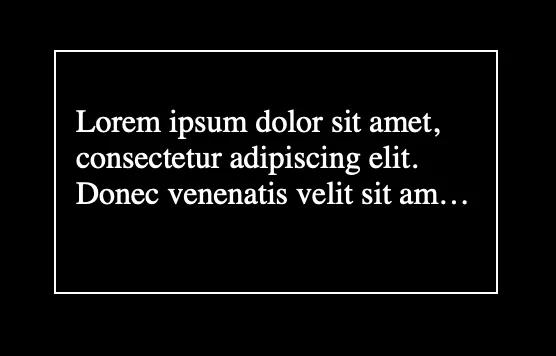
Consider the HTML below. We have a div with a paragraph inside containing some text. For this demo we want to show max 3 lines of text in this div element.
<div class="content">
  <p>
    Lorem ipsum dolor sit amet, consectetur adipiscing elit. Donec venenatis velit sit amet dui semper dignissim. More
    dynamic text here.
  </p>
</div>
Lets say the max width of the content div is 200 pixels and max of 100 pixels in height.
.content {
  width: 200px;
  height: 100px;
  padding: 10px;
}
We want to truncate all text over 3 lines. Here we set the display to «-webkit-box» and the «-webkit-line-clamp» property to 3 lines of text.
.content p {
  display: -webkit-box;
  -webkit-line-clamp: 3;
  -webkit-box-orient: vertical;
  overflow: hidden;
}